What This Feature Does
You can now upload photos, videos, or PDF files directly to any page or group within the Checklist Editor. These uploaded files act as reference materials that guide auditors during the inspection.
Uploaded media automatically appears:
- On the mobile app while performing an audit
- On the web audit interface during inspections
This ensures a standardized, clear, and consistent audit experience for all auditors.
Why Use Reference Media?
Adding reference photos, videos, or PDFs provides several benefits:
- Ensures auditors interpret questions consistently
- Clearly demonstrates the expected standard or correct practice
- Reduces subjective interpretation errors
- Provides guidance for new team members
- Maintains audit consistency across different locations
- Improves evaluation quality by offering correct/incorrect visual examples
How to Add Reference Media in the Checklist Editor
Media can be added at both the Page and Group level.
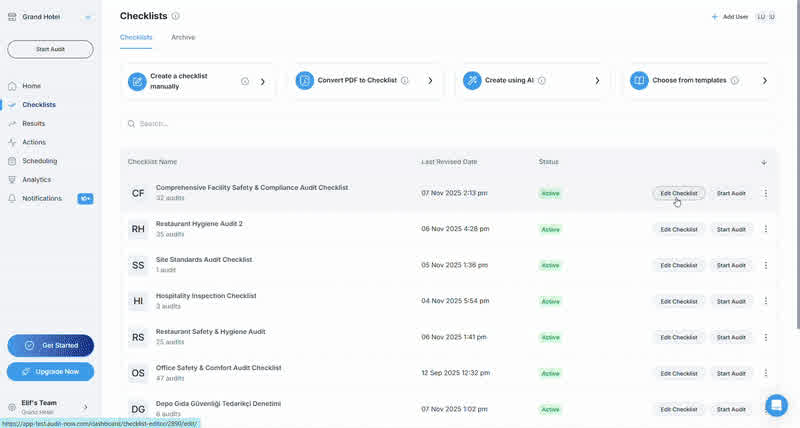
Step 1: Open the Checklist in the Editor
- Go to Checklists from the left menu
- Select the checklist you want to edit
- Open the Design tab
Step 2: Select a Page or Group
Choose where you want to add the media:
- A Page (e.g., Start Page, Basic Safety Compliance)
- A Group within that page
Action icons will appear when you hover over the section.
Step 3: Upload the Media File
- Click the Upload Media icon (photo/video/PDF symbol)
- Select a file from your computer
- The file is immediately added to the selected section
- Maximum file size per upload: 10 MB
How Uploaded Media Appears During an Audit
On Mobile
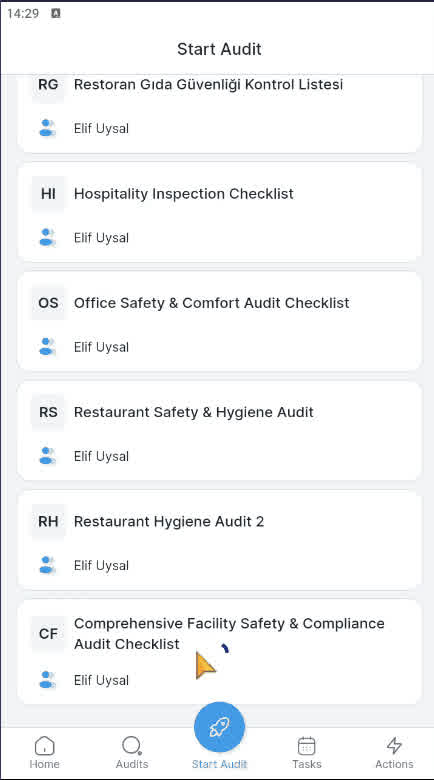
While answering questions in the mobile app:
- The uploaded reference photo/video/PDF appears at the top of the corresponding page or group
- Auditors can tap to enlarge or play the file
- Ideal for on-site correct/incorrect comparison
Example: Correct fire extinguisher placement, Proper storage layout, Cleanliness standard, etc.
On the Web Audit Interface
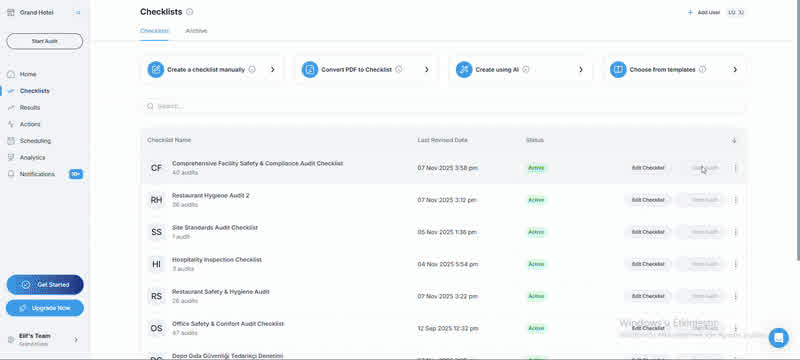
When performing audits on the web:
- Reference media appears at the top of the page
- Files open in a large preview window
- Very useful for desk-based audits or multi-monitor workflows
Best Practices
Reference media is especially useful for:
- Safety and compliance criteria
- Quality standards
- Cleanliness/hygiene expectations
- Correct/incorrect comparisons
- Equipment usage guidelines
- Legal documents or procedural flows
- Visual work instructions
Tips:
- Use high-quality images
- Prefer PDF for multi-page documents
- Choose visuals that reflect real field conditions
- Update reference media when necessary