Learn More
Notification Channels
| Type | Platform | Where It Appears |
|---|---|---|
| Push Notification | Mobile App | In the device's notification tray and in-app notification center |
| Email Notification | Email inbox | Sent to the assigned user’s registered email address |
Reminders are only sent to assigned users (user group members).
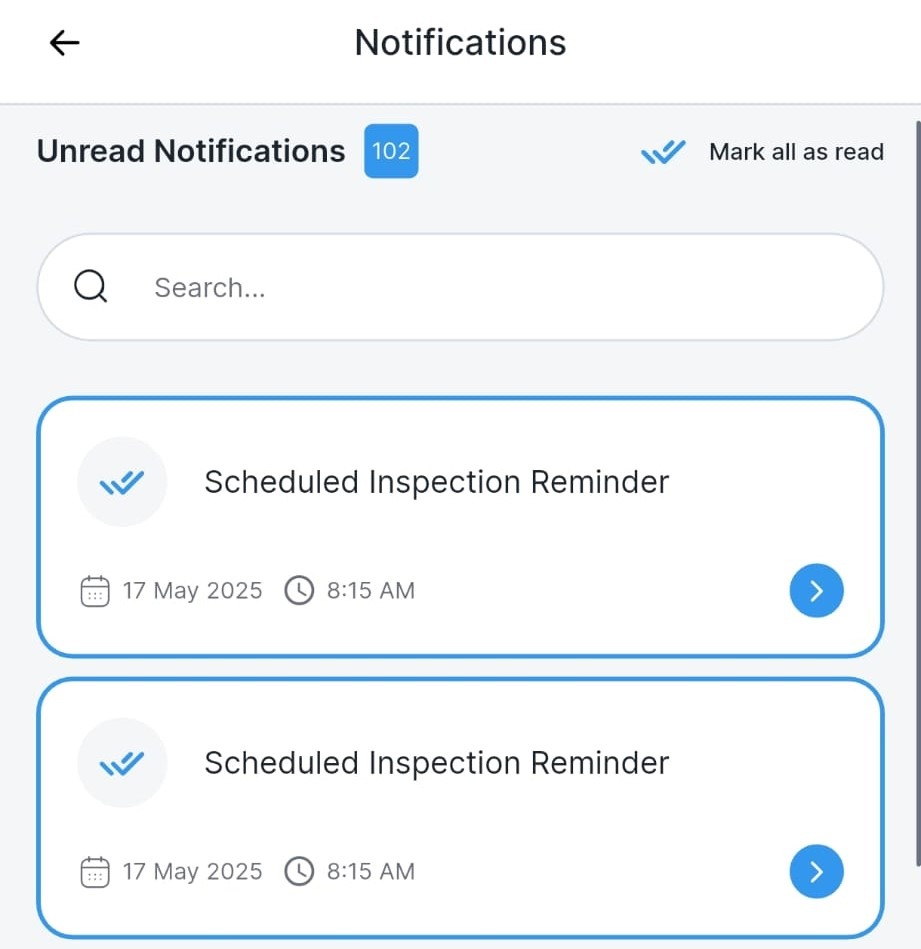
When Are Reminders Sent?
For every scheduled audit task, the assigned user receives multiple reminders:
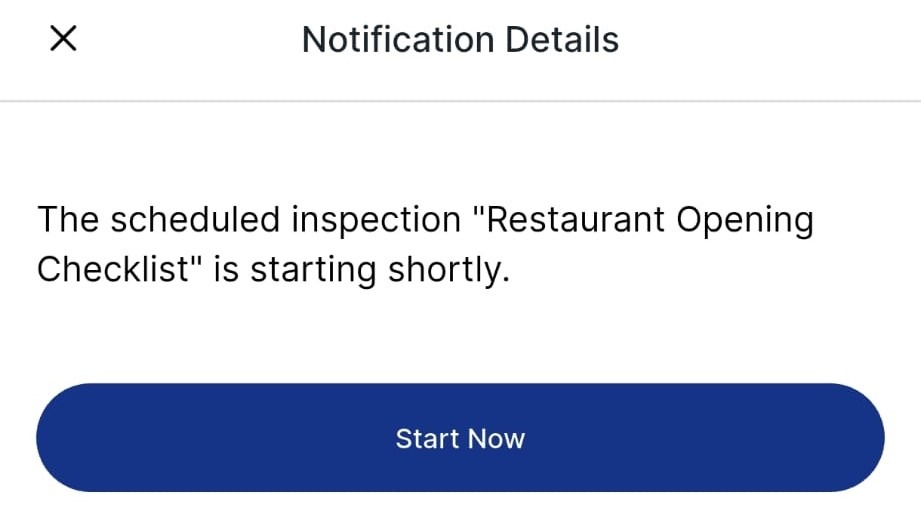
1. Before the Start Date & Time
A notification is sent before the audit becomes available.
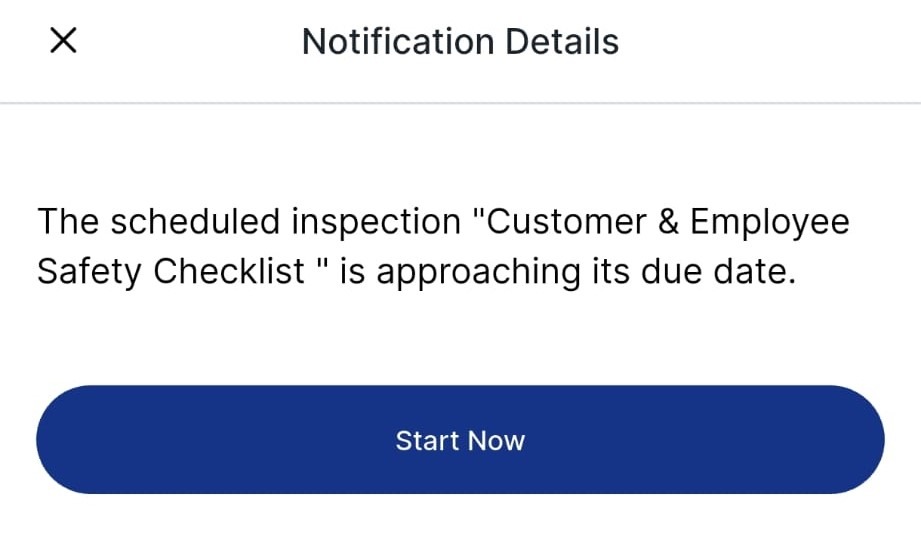
2. Before the Due Date & Time
Another reminder is triggered as the audit approaches its deadline.
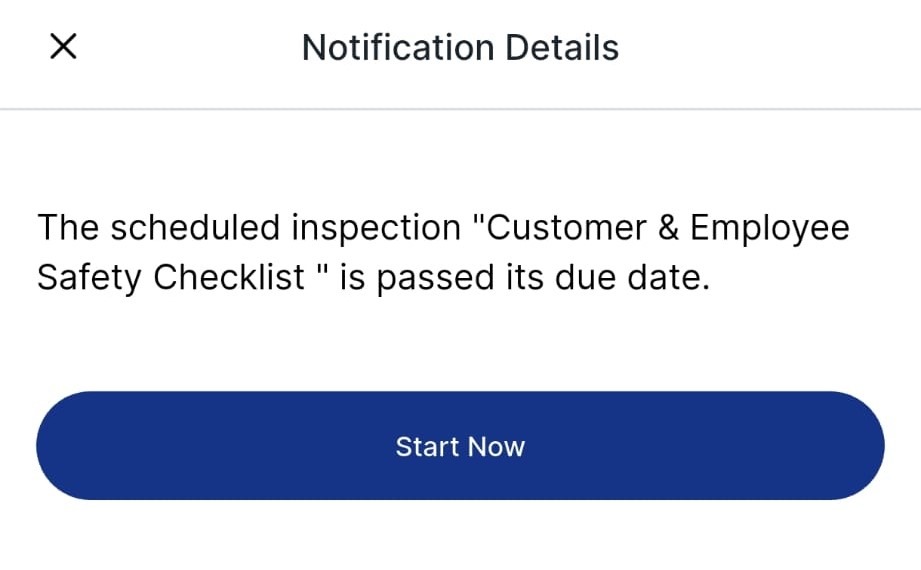
3. After the Due Date (if Incomplete)
If the audit is not completed by the due date, a late reminder is sent.
Best Practices
- Encourage users to enable push notifications for the app
- Use reminders to track accountability, especially for recurring audits
- Train teams to respond promptly to “past due” alerts to reduce compliance risks
Next article: Understanding "Overdue" Audit Tasks and How to Report on Them →